LaravelTips and TricksAi DevelopmentAi
August 15, 2026
How to Take an AI-Generated Laravel Prototype to Production
By Vladimir Nikolic
August 15, 2026
By Vladimir Nikolic
Somewhere in the last six months you typed a prompt, got back a working Laravel app with login, a dashboard, and a database, and showed it to a few customers. They liked it. Now they want to pay for it, and "it works on my machine" stops being a deployment strategy.
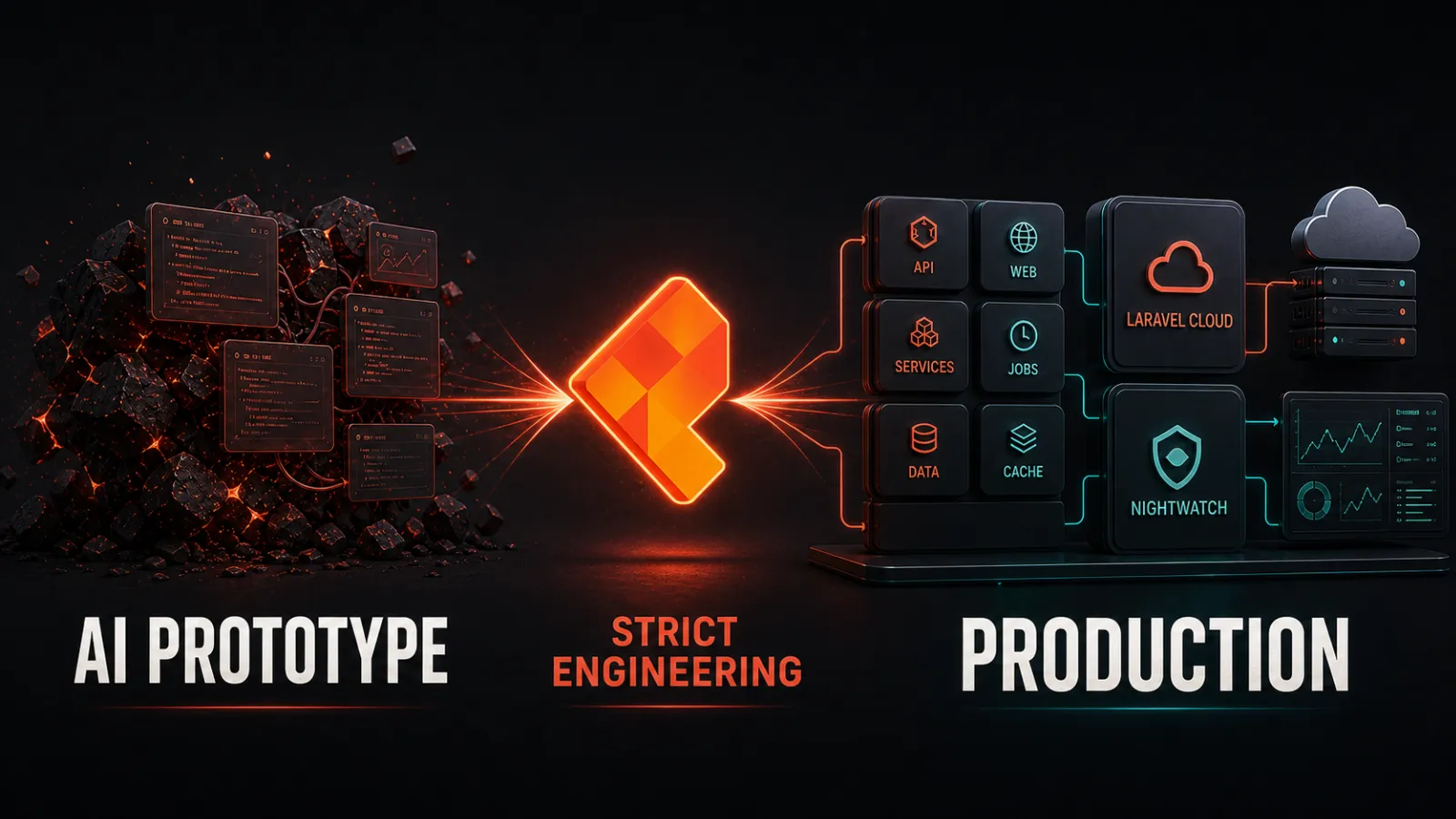
This article is a practical checklist for turning an AI-generated Laravel prototype into something you can confidently run in production. Nothing here assumes the code is bad; it assumes it's unreviewed — true of any code nobody has audited, no matter how it was written.
A prototype's job is to prove an idea. Production's job is to survive real users: their data, their edge cases, their mistakes, and the security researchers who poke at anything that looks popular. The gap between those two jobs isn't about "AI bad, humans good" — it's about process. Code generated in minutes skipped the review loops that code written slowly accumulates. Your job now is to add those loops, not to be ashamed of what you have.
The single most expensive mistake teams make at this stage is deciding to rewrite from scratch. Before you can decide anything, you need to know what the app actually does. Spend a few days auditing:
php artisan route:list shows every route; check that each one is intended and no debug or demo routes are exposed.composer show and npm list tell you what is installed. Flag anything you don't recognize.users, look for test data that must not ship.rg -i "password|secret|api_key|sk-" . is a good start) — anything committed is compromised and must be rotated.A good audit ends with a written list: "here's what the app does, here's what it depends on, here's what scares us, here's what's fine." That document is your roadmap.
AI assistants love to put everything in a couple of fat controllers — or worse, business logic inside Blade views. Laravel's conventions exist because they're boring and predictable: models for data, controllers for HTTP, Form Requests for validation, services or actions for business logic when a controller gets heavy, and policies for authorization.
You don't need to gold-plate, but the code should follow the framework's defaults closely enough that any Laravel developer — including future-you — can find things and change them without fear. Look for:
routes/web.php or Blade templates.$fillable/$guarded (a mass-assignment accident waiting to happen).A prototype installs packages freely; a product has to live with them, so check every one now:
composer audit checks your dependencies against known security advisories; run it and read the output. Same for the npm side with npm audit.composer show flags abandoned packages. If your prototype depends on one, plan a replacement before it breaks your upgrade path.composer.json/package.json and plan a regular update cadence — a prototype that never updates becomes a production system with known, public vulnerabilities.This is where unreviewed code is most dangerous — and where Laravel helps most if you use what ships in the box:
$fillable or $guarded, or requests can slip fields into your database.APP_KEY must be set and unique; .env must not be in git; production keys must differ from dev keys. Force HTTPS in production.None of this is exotic. It's the same checklist any experienced Laravel developer applies to human-written code; AI code just means you're the first human reviewer.
Prototype migrations are usually "make it work fast": missing indexes, no foreign keys, inconsistent timestamps, enums stored as plain strings, and sometimes a migrate:fresh habit baked into the workflow. Production cares about all of these:
WHERE, JOIN, and ORDER BY — the migrations and database query docs show how to declare them properly.php artisan migrate from zero, and confirm it works. If your migrations only work because of manual tweaks you did months ago, that's a deployment landmine.An AI-generated prototype typically has zero tests. You don't need to write 3,000 of them before launch; you need tests on the paths that would end the company:
Laravel's testing docs and Pest (or PHPUnit) make this surprisingly fast, especially with factories. The rule: anything you'd be embarrassed to break in front of a customer gets a test, and CI runs it on every pull request.
Prototypes handle one user; products handle many, and the first thing that collapses is almost always the database query layer — most often N+1 queries, fetching a list then querying per row in a loop. Run the app with Laravel Telescope or a query logger on staging and look for:
with()) — see the Eloquent docs.Do the obvious fixes first — most prototype performance problems are the same handful, and they're all cheap to fix.
You cannot debug what you cannot see. Before launch you want at least:
dd() calls.Two things make "we can deploy safely" true: automated checks and reproducible deploys.
vendor/bin/pint --test), a static analysis pass (Larastan/PHPStan are the common choices), and the test suite. Fail the build on red.Laravel Cloud is a reasonable default for a small product with no ops team: it handles servers, TLS, managed queues, databases, and scheduled tasks, and its deployments follow Laravel's own build sequence. It's a weaker fit if you need exotic system packages, long-running custom daemons, or deep server-level access. Either way, decide deliberately — see our separate guide on moving from Forge to Laravel Cloud.
Realistic numbers, no sales pressure: a small app (a few models, auth, a handful of features) can typically be audited, hardened, tested, and deployed in one to two weeks of focused work. A larger prototype with payment flows, many integrations, and thousands of lines of unreviewed code is usually four to eight weeks. The audit findings decide it — not the size of the original prompt.
The honest risks, named plainly:
If this checklist feels like a lot — it is. That's the real cost of the distance between prototype and product, and it's the same cost human-written code pays, just compressed. The Coding Wisely team works with founders and small teams who built on AI-generated Laravel and now need it production-grade: we run the audit with you, fix the security and data issues first, get tests and CI in place, and hand you back an app you can deploy with confidence — plus a maintenance habit you can keep. Tell us where you are and we'll tell you honestly what the gap looks like. Start the conversation.
**Do we have to rewrite the app from scratch?**No — and starting from scratch is usually the worst option. AI prototypes typically contain the right skeleton and much working logic. An audit determines what to keep, what to refactor, and what to replace; rewrites throw away working code and reintroduce bugs you already fixed.
**How long does this take?**For a small app, one to two weeks of focused work; for larger prototypes with payments and many integrations, four to eight weeks. The audit defines the scope — ask us for a concrete estimate before any work starts.
**Is AI-generated Laravel code secure?**It's not inherently insecure, and it's not inherently safe either. It's unreviewed. The security risks (mass assignment, weak authorization, committed secrets, missing validation) are the same ones found in any code that shipped without review. A security audit catches them.
**What about package licensing — do we need a lawyer?**For most small products, a careful pass through the dependency list with Composer's license metadata is enough to catch the common problems (copyleft packages in commercial products, commercial packages used beyond their terms). If licensing matters to your company, have counsel confirm.
**Can we keep using AI tools after this is done?**Absolutely — and most teams do. The point of hardening is that AI-generated changes land in a codebase with tests, CI, and review, so the AI stays a tool instead of becoming a liability.
Ready to take the next step? Let's work together to transform your ideas into reality. Contact us today to discuss how we can help you create impactful, user-centered solutions that drive success.
Contact Us