Ai DevelopmentLaravelWeb DevelopmentAiBusiness
November 12, 2026
Taskavel Beyond the Board: Building a Headless Task Platform with Laravel MCP
By Vladimir Nikolic
November 12, 2026
By Vladimir Nikolic
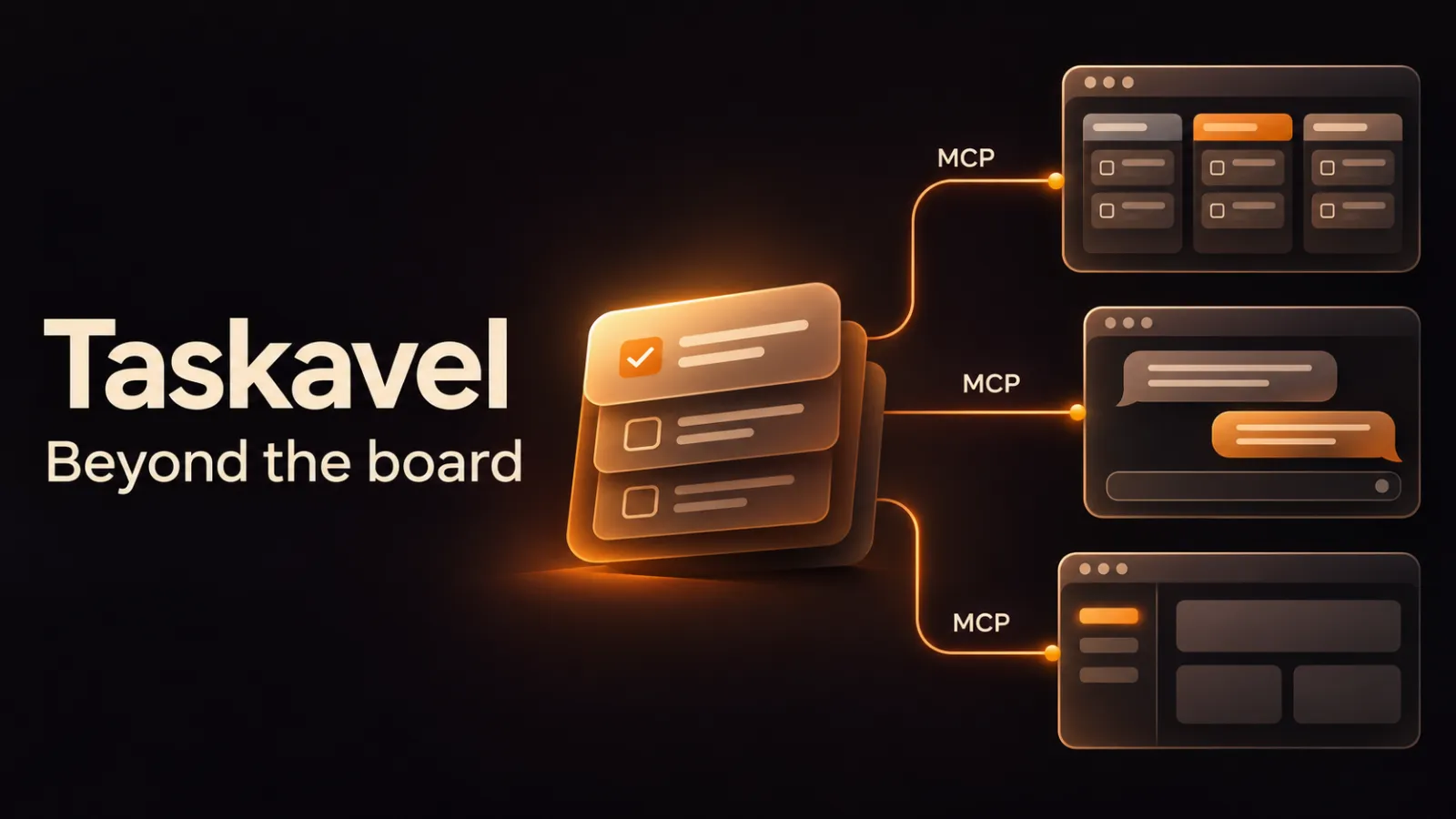
I'm building Taskavel as a headless task and project platform. The work lives in Taskavel. How you reach it is up to you: the web app, an AI assistant, an email client, or a small tool you wrote on a Friday afternoon.
A former colleague of mine, a project manager in Germany, has brought Taskavel into every company he's worked at. Recently he told me what he'd done with the MCP: a Slack bot for his team, and a new frontend that looks and works the way their brand does. Taskavel runs underneath it, headless.
That stuck with me. People don't necessarily need another opinionated board. They need a solid task system to build their own way of working on. So I'm expanding the MCP and changing how Taskavel works at its core.
The web app isn't going anywhere. People still need one place to plan and see the whole picture. It just doesn't have to be the only door.
Almost no task is born on a board. It starts as an email from a client, a conversation with an assistant about a bug, or an intake form some team built for its own process.
Then someone copies it into the project tool. By hand. Usually later. Sometimes never.
MCP removes that copy step. Taskavel has a remote MCP endpoint at https://taskavel.com/mcp/taskavel with 73 tools: projects, boards, milestones, tasks, assignments, comments, checklists, dependencies, reminders, attachments, time tracking and standups. A compatible client works with the real task, not a copy of it.
It's Laravel all the way down. The MCP server is built with Laravel MCP, the official package, and every tool is a PHP class in the same app that runs the web board. Same models, same permissions, no second system to keep in sync.
Here is a coding assistant picking up work:
list-my-tasks        → "Fix invoice PDF footer", due today
get-task-details     → description, checklist, earlier comments
add-comment          → "Footer fixed, PR is up for review"
move-task-to-column  → Review
Four calls. Nobody opened the board, and the board is still correct.
Every MCP connection acts as a Taskavel user. It gets that user's project membership and role, nothing more. Members work with tasks and comments, admin operations need stronger roles, and guests get less (permissions).
Clients that support it connect through OAuth. Where a static credential is needed, use a personal access token.
Either way, keep the credential on your server. Never in a public frontend, never as one shared team secret. One named token per integration means you can revoke one without breaking the rest.
MCP is your app asking Taskavel. Webhooks are Taskavel telling your app.
Subscribe a project, or one board in it, to task.created, task.updated, task.moved, task.completed and task.archived. Events go to an HTTPS endpoint you control. Setting them up needs the mcp:full scope and project membership (webhooks).
Events are metadata-only. Treat each one as a signal, then read the task details through an authorized call. Every subscription has its own signing secret, and failed deliveries can be redriven.
One thing your receiver must handle: the same event arriving twice. It will happen.
Octo is our app that brings mail, calendar and tasks together on Omarchy, Mac and iPhone. It's in beta, and its Taskavel integration is the clearest version of this idea I have.
A client emails asking for a change on their website. In Octo:
The review step is deliberate. The email gives context. The person decides what becomes a task.
Octo also shows your Taskavel tasks next to mail and calendar. You can mark one done, reschedule it, open it in Taskavel or ask Octo about it. The task never leaves Taskavel. Octo is just another door into it.
Octo uses both halves of this article. The Mac app talks to Taskavel directly over MCP. Octo's server, a Laravel 13 app, only receives Taskavel webhooks and turns them into task alerts. Events out, tools in.
You can build your own Kanban view today. Just match the query to the job:
page_size (up to 100) and follow pagination.next_cursor until has_more is false. For a complete board, use exact project_id, board_id and column_id with status set to any.Two things are on you. Cursor pages come in task ID order, not board order, so sort them before you render. And paging isn't a snapshot: a task can move while you're halfway through.
Pick one workflow that annoys you. An intake form. A "what's mine today" list. A bot that moves a task to Done when the PR merges.
Connect a client, make one read-only call against a project you know, then add writes. The MCP docs list every tool.
The best Taskavel interface might not be one I build.
Tell us about the codebase and where it runs. We will tell you what we would do first.
Contact Us