Laravel, AI & Product Development Insights
Insights from Senior Developers. Dive into our blog covering Laravel, Developer Life, CSS, JavaScript, Vue, Inertia, Filament, Livewire, and more. While updates may be sparse, when they come, expect practical tips and tricks from seasoned developers sharing their experiences.

Latest blog post
Don't miss the new blog!

A practical handover checklist for an existing Laravel application: ownership, critical workflows, safe staging, dependencies, background jobs and tested recovery before feature work.
Previous blog post

For years, I ignored the signs of burnout—long hours, constant stress, and the fear of failure. It caught up with me. I landed in the emergency room. This is my story of hitting rock bottom and rebuilding my health, mindset, and career.
Make sure that all and everything you want to run before the pushing code to production, works as you expect. Simply use git hooks.

Meta SEO tags are one of the essential things on the website to make our website noticeable by the search engines. However, having all meta tags for SEO using Livewire 3 appears to be not that easy. Documentation on Livewire 3 talks only about the title tag. This article will show how we handled metatags dynamic creation at Coding Wisely.
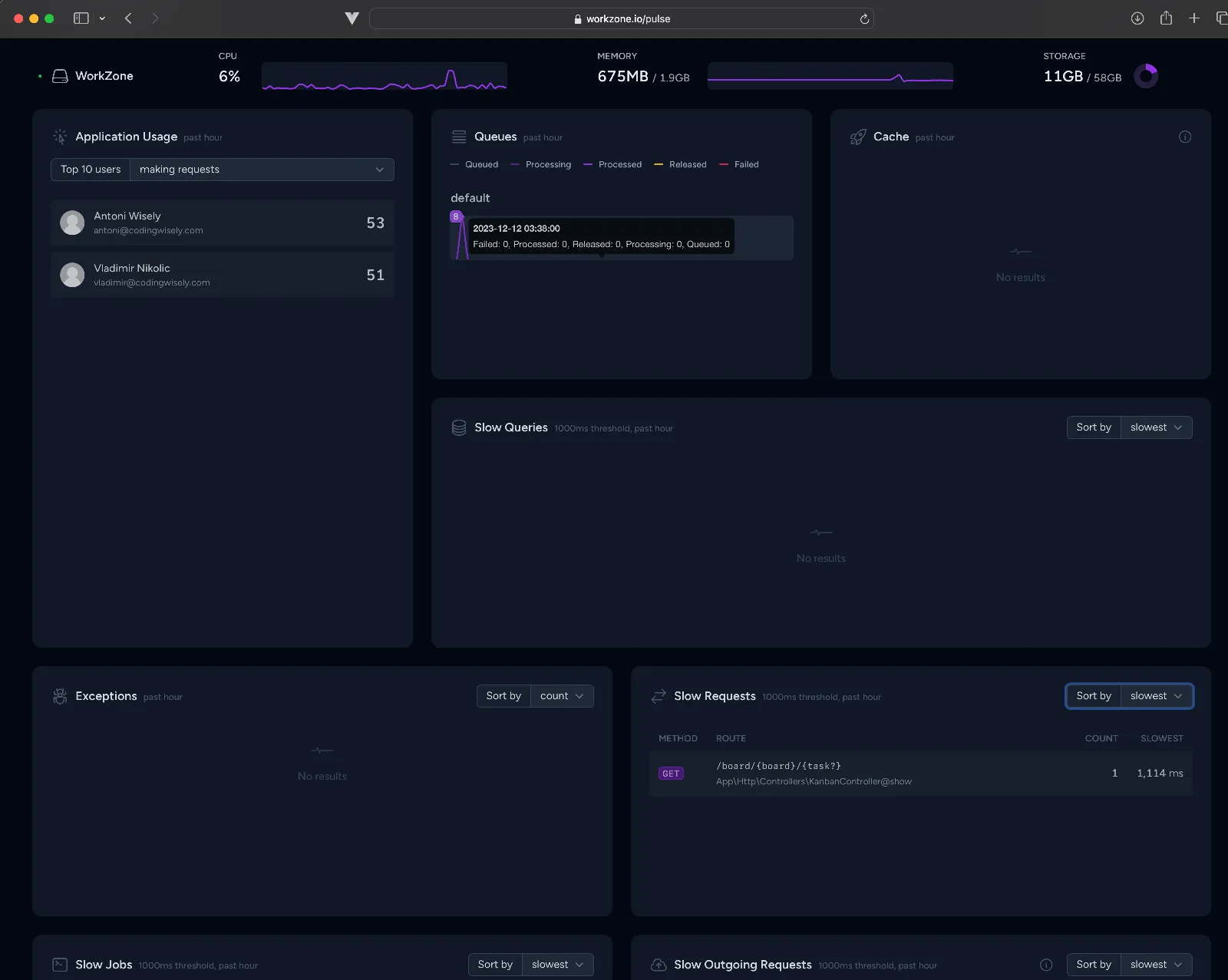
In my recent encounter with Laravel Pulse, I faced a perplexing Livewire.js 404 error upon deploying to production. Despite seeking help from the Laravel team, a moment of introspection led me to rediscover a solution right in front of me. Discover how a known issue with Livewire.js and Nginx server configuration prompted a swift resolution. In this blog post, I share the journey of troubleshooting, the awakening of a thinker within, and the simple yet effective solution that prevented Nginx from interfering with Livewire.js on my Laravel Forge-hosted application. If you've ever found yourself waiting for external support, this story serves as a reminder that the solution might be closer than you think. Read on for insights into troubleshooting, experimentation, and the joy of overcoming hurdles in the world of programming.

As a developer, rapid iteration and real-time feedback are crucial for efficient web development. In this article, we delve into the integration of Vite and Livewire hot reload into Laravel Filament V3, the robust admin panel package for Laravel. Discover how this powerful combination can elevate your development workflow, allowing instant updates in the browser without the hassle of manual refreshes. Learn how to seamlessly set up Vite with Laravel, tackle the nuances of Filament V3, and effortlessly combine Vite and Livewire for a seamless and productive development experience.
It's very handy to have something like this automatically done when we are about to commit our code and will perform Pint and Pest automatically. Not only that we will show you how to did that when work with Sail. All you have to do just one config and we done. I will show you how.
Debugging your PHP code is an essential part of the development process. PHPStorm and XDebug 3 are powerful tools that can help you debug your code efficiently. However, sometimes you may encounter an issue where the debugger never stops on a breakpoint. Here are some steps you can take to troubleshoot this issue.
I am thrilled to be using Pest for PHP testing! The syntax is incredibly readable and expressive, which makes writing and maintaining tests a joy. I love how Pest's conversational style feels more like a natural language than a coding language, making it so easy to understand what each test is doing. The additional features, such as test parallelization and coverage reports, are a huge bonus that help me to be more productive and confident in my work. Overall, Pest has transformed my testing experience and made me a very happy developer!
Running php tests on Laravel is breeze. You simply run php artisan test command. However if you are testing database, you have two options. One is to create your testing database and another is to use SQLite in memory.